Girl Wallpaper

Girl Wallpaper

A collection of portrait and lifestyle photography wallpapers in a soft, modern register — natural light, muted styling, and generous negative space around the subject. Framing matters more than usual here: where a face lands on a 20:9 screen decides whether the wallpaper works or gets swallowed by the clock and the icon grid.

Where a face lands on a 20:9 screen

Portrait photography and phone screens disagree about shape, and that disagreement is the main reason a portrait wallpaper disappoints. Most current phones are around 20:9 — far taller and narrower than the 3:2 or 4:5 frame a portrait is usually shot in. Fitting one to the other means losing roughly a third of the width, and a centred crop takes it off both shoulders, which is why a well-composed photograph can end up looking cramped once it's on the screen.

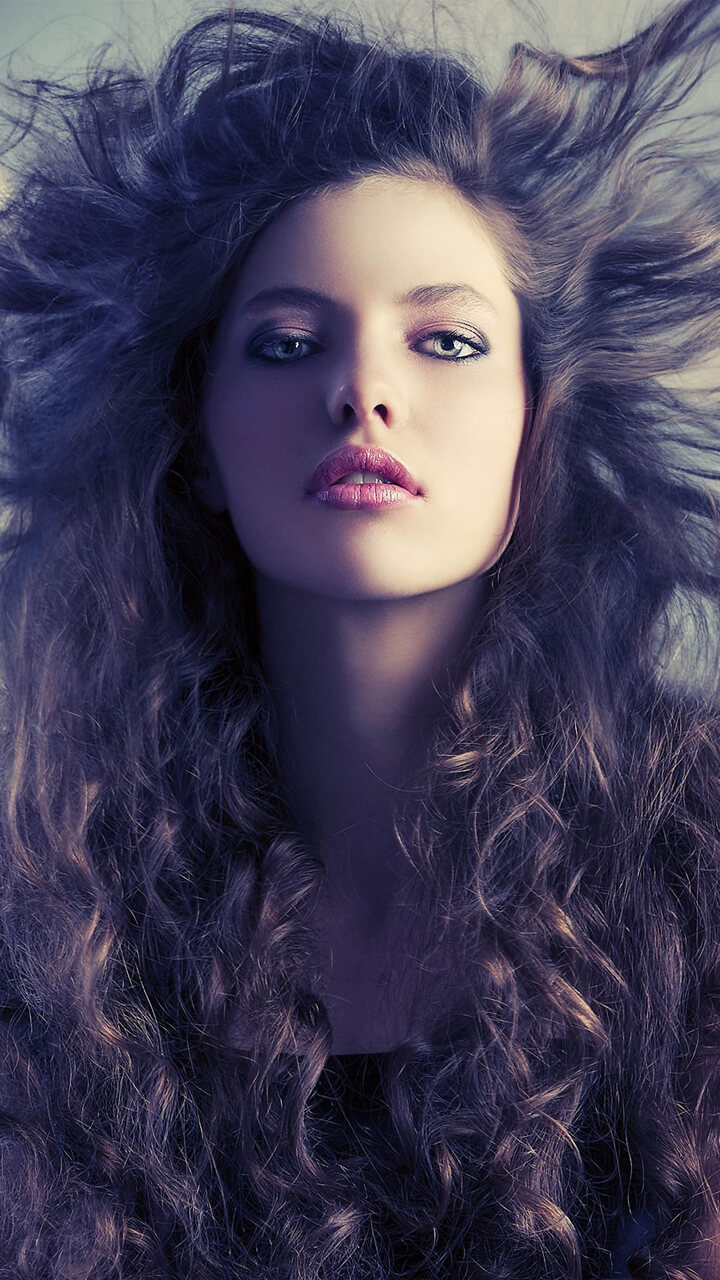
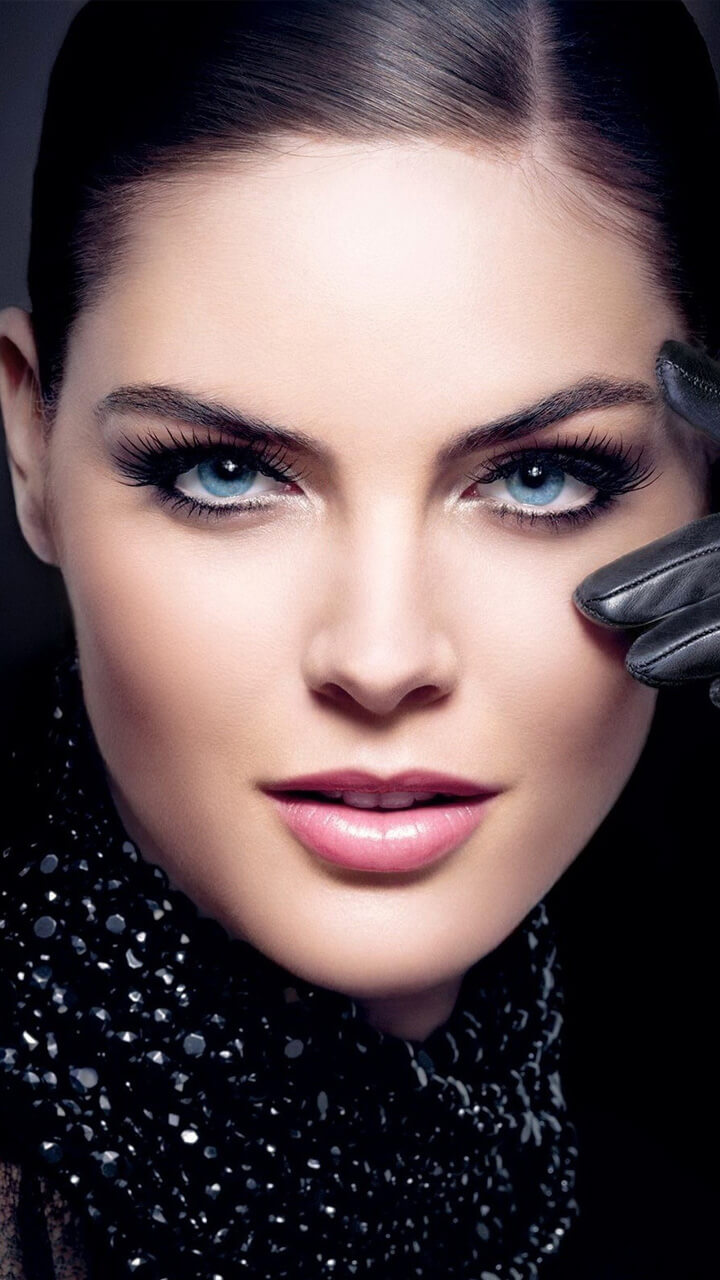
Height matters even more than width. The top of a phone screen is spoken for: the status bar, and on the lock screen a clock that occupies the upper fifth or so. The bottom holds the dock and the gesture bar. A portrait composed with the eyes on the classic upper-third line puts the face directly behind that clock. In practice a portrait works best when the face sits between roughly a third and two-thirds of the way down the frame — low enough to clear the clock, high enough to stay above the icon grid. The images in this collection are framed with that band in mind, and the wallpaper preview tool lets you check any picture against a lock clock and an icon grid before you commit to it. For the underlying composition rules, and when to break them, see the composition guide.

The Portrait Set

The collection gathers tasteful, modest portrait and lifestyle photography with an emphasis on style, soft colour palettes and clean composition. It's the kind of aesthetic, magazine-style imagery that has become popular for personalising a phone — elegant rather than busy.

Soft, Modern Aesthetics

Across the set the look favours gentle tones, natural light and minimal backgrounds. That restraint gives an elegant, contemporary feel and keeps each image calm and uncluttered rather than loud, so it reads well as a backdrop instead of competing with your icons.

Get it on Google Play
← Back to all apps

Wallpaper Preview

× Wallpaper Preview

Frequently Asked Questions

Is the Girl Wallpaper app free?

Yes. Free on Google Play, with the whole portrait set available immediately rather than drip-fed. It's funded by a modest in-app ad, not by a paywall or a subscription.

What kind of photography is this?

Portrait and lifestyle photography with natural light, muted styling and a good deal of space around the subject — tasteful rather than glamour-led.

Where should the subject sit in the frame?

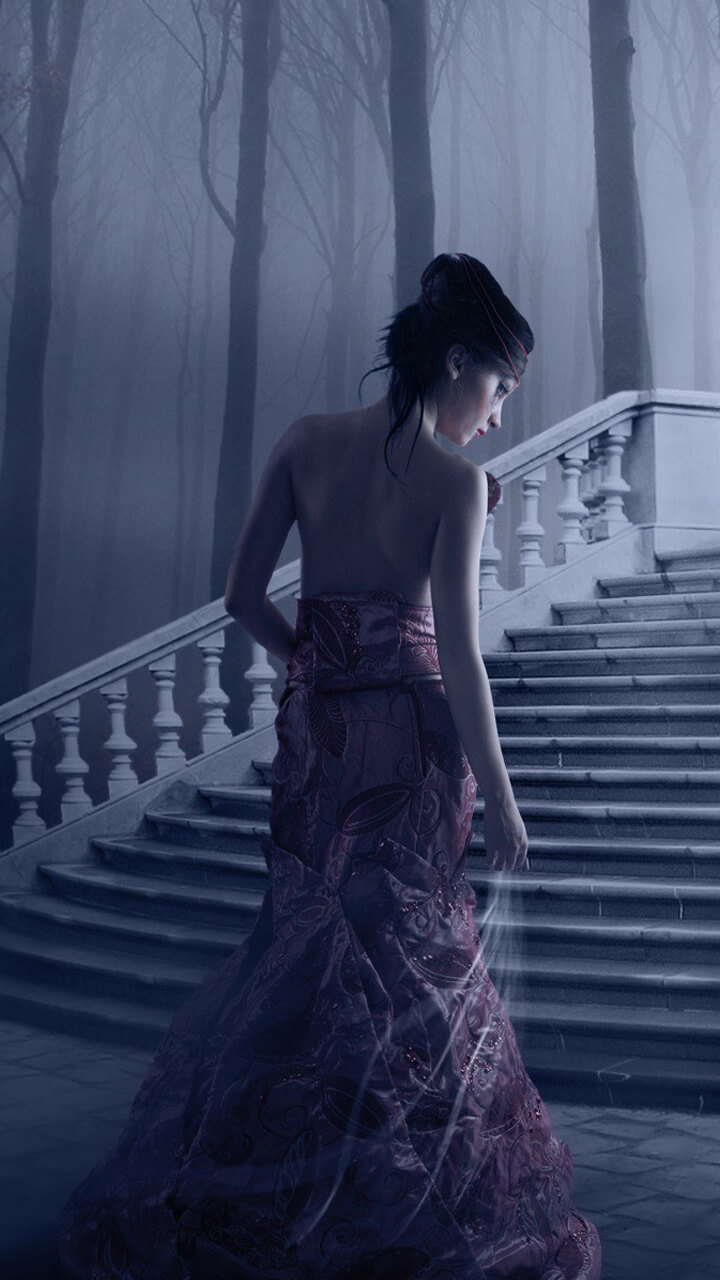
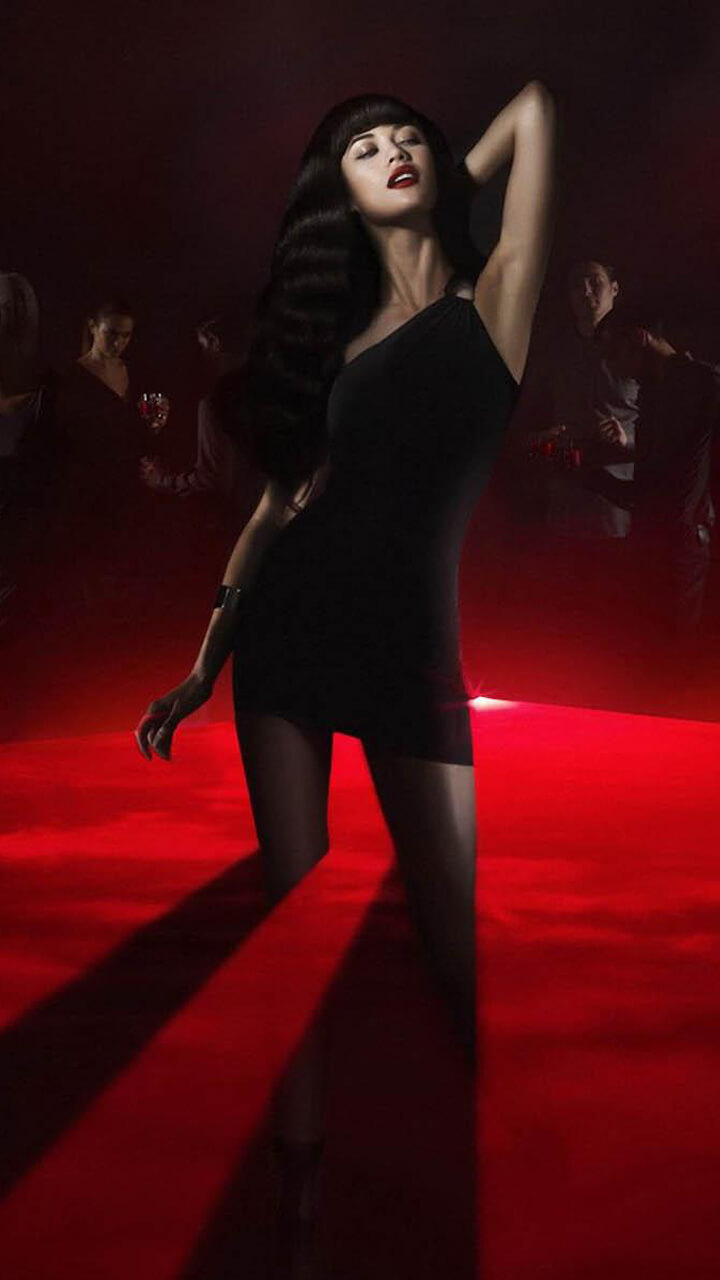
Lower than you would expect. On a 20:9 screen the top fifth goes to the clock and status bar and the next third to your first rows of icons, so a face composed at the centre of a landscape crop ends up behind them. The frames here place the subject in the lower half, or off to one side, so the face stays visible on the home screen and not only when you unlock.

Explore More Wallpaper Apps

New York Wallpaper app icon
New York Wallpaper
Manhattan skyscrapers, yellow cabs and neon nights.
Hong Kong Wallpaper app icon
Hong Kong Wallpaper
Victoria Harbour, neon signs and packed skyline.
Hollywood Wallpaper app icon
Hollywood Wallpaper
Sign-lit hills, palm streets and golden-age glamour.
Chess Wallpaper app icon
Chess Wallpaper
Boards, pieces and the quiet geometry of the game.
Cinema Wallpaper app icon
Cinema Wallpaper
Film-inspired frames, projector glow and movie mood.
Venice Wallpaper app icon
Venice Wallpaper
Canals, gondolas and pastel facades on the water.
Girl Art Wallpaper app icon
Girl Art Wallpaper
Soft illustrated portraits in a dreamy art style.
Animal Wallpaper app icon
Animal Wallpaper
Wildlife portraits, from big cats to garden birds.
Tokyo Wallpaper app icon
Tokyo Wallpaper
Neon Shinjuku, Shibuya crossing and cherry blossom.
Paris Wallpaper app icon
Paris Wallpaper
Eiffel Tower, the Seine and golden-hour boulevards.
Washington DC Wallpaper app icon
Washington DC Wallpaper
The Capitol, monuments and cherry blossoms.
Rome Wallpaper app icon
Rome Wallpaper
The Colosseum, ancient ruins and warm Mediterranean light.

Where the Subject Should Sit on a Tall Screen

Portrait wallpapers look best when the subject sits slightly off-centre or lower in the frame, so the face isn't covered by the clock or the row of icons across the top of the screen. Soft, evenly lit images also keep app labels readable, so it helps to choose a design with a calmer area where your icon grid sits rather than a busy background everywhere.

Pick portrait-oriented images so nothing important is cropped on a tall screen, and try a wallpaper on both the lock and home screens before settling on it. What looks balanced on the lock screen, where there's just a clock, can feel crowded once your full grid of icons appears — so live with it briefly before deciding.