Chess Wallpaper

Chess Wallpaper

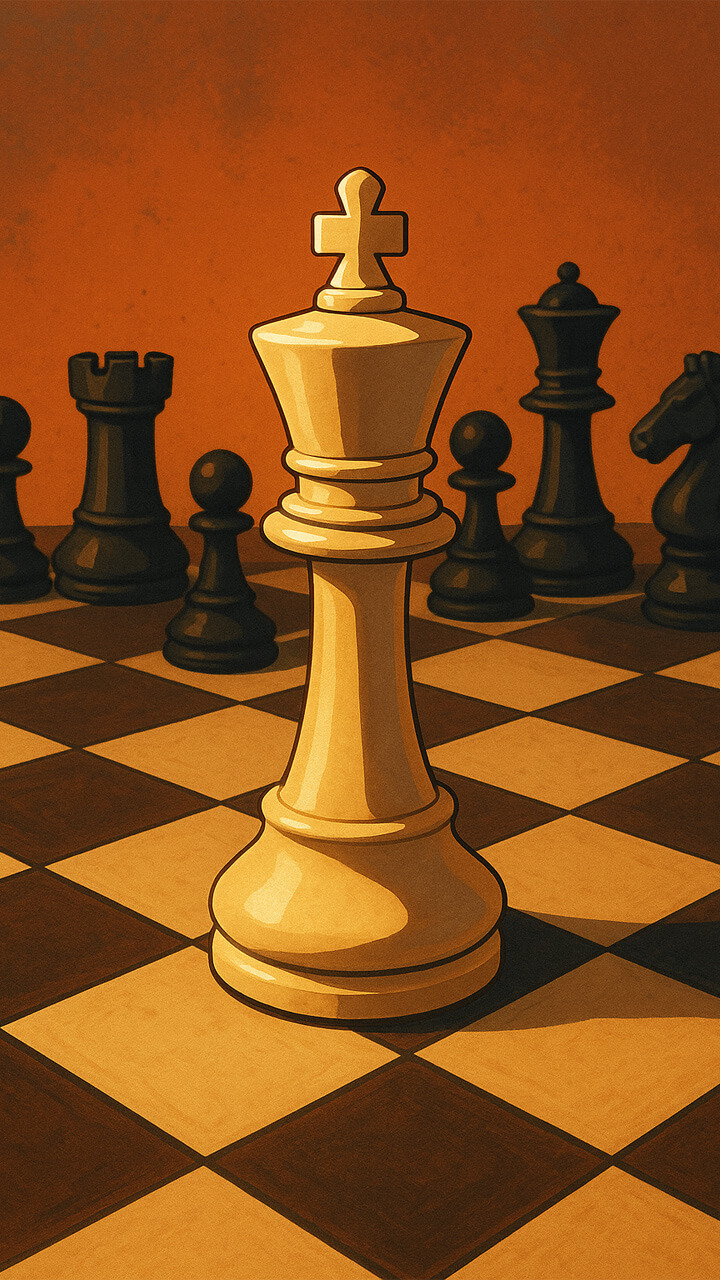
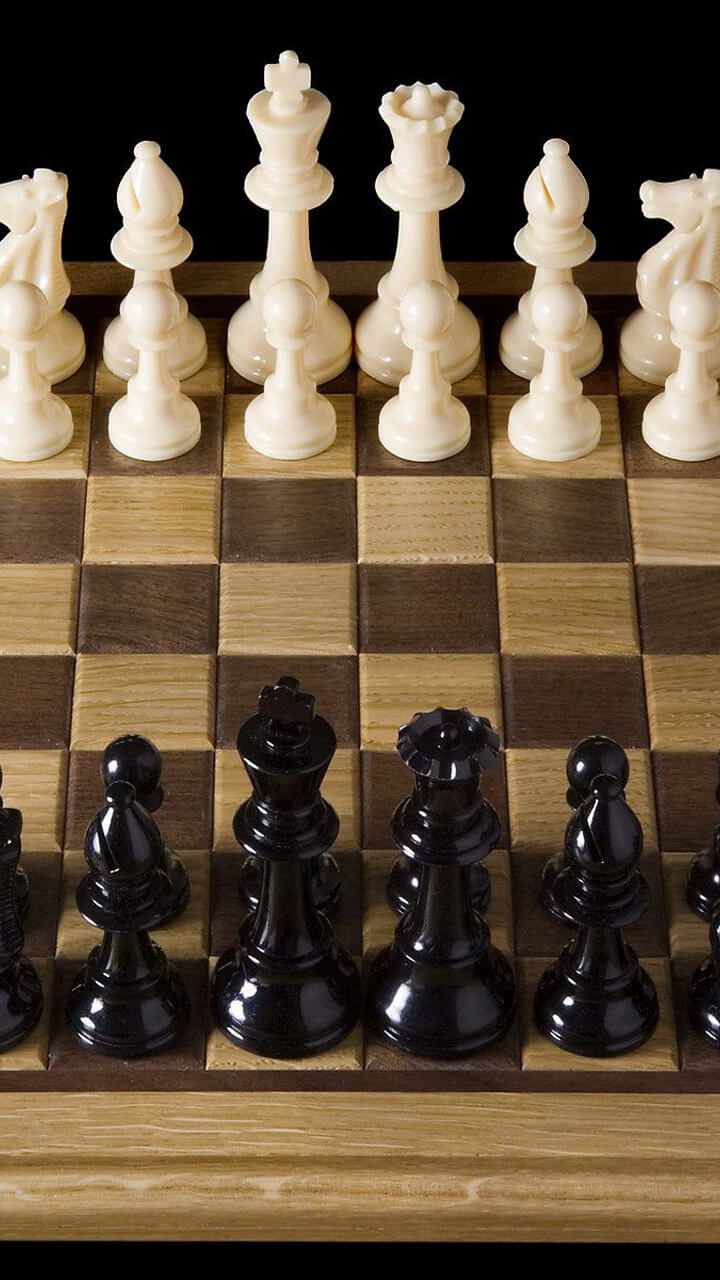
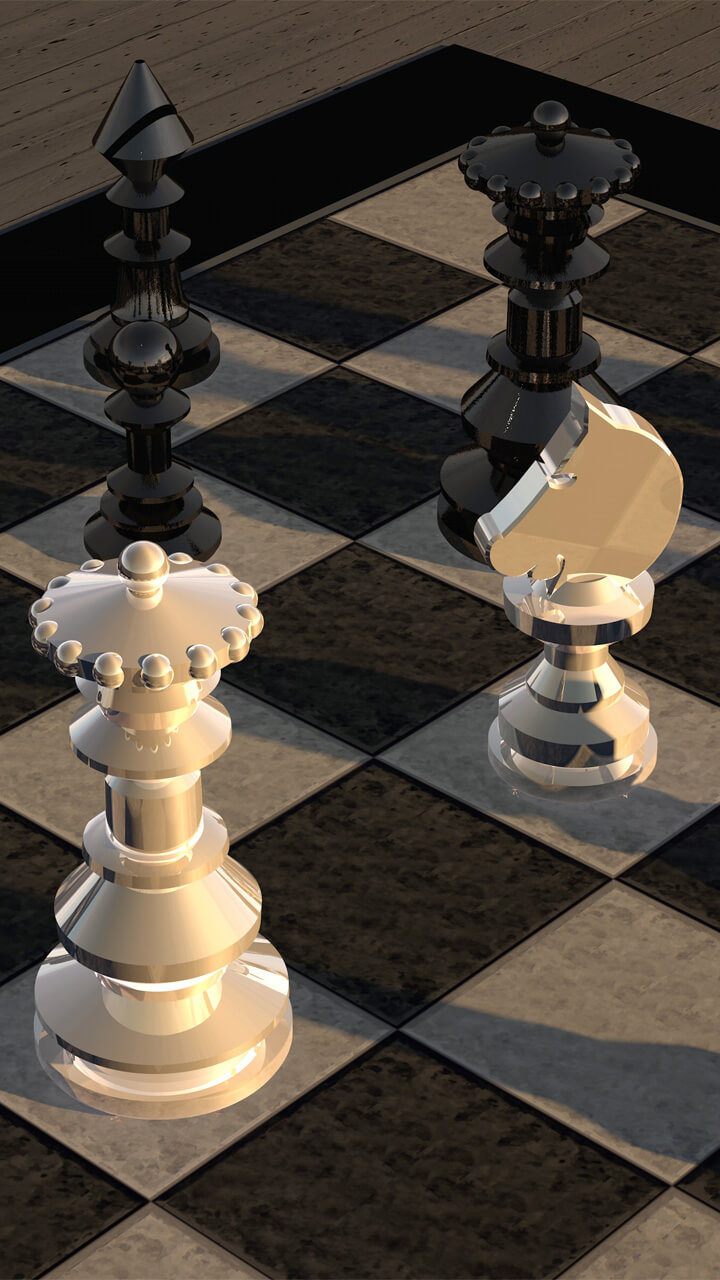
Step into the world of strategy and elegance with Chess Wallpaper, the ultimate collection of chess-themed backgrounds. From classic boards and iconic pieces to modern minimalist designs, each wallpaper brings the beauty and sophistication of chess directly to your phone. Perfect for casual players, enthusiasts, and grandmasters alike.

App Features

How to Use

  1. Open the app and browse the gallery.
  2. Select the wallpaper you love.
  3. Tap "Set as Home Screen" to set it on your home screen.
  4. Tap "Set as Lock Screen" to set it on your lock screen.

Why You'll Love It

Chess Wallpaper turns your device into a board of strategy and elegance. With classic, minimalist, and creative designs, it’s perfect for anyone who appreciates intelligence, focus, and style. Carry the spirit of the game wherever you go, and make your screen as bold and strategic as you are.

About Chess and Its Imagery

Chess has been played for roughly 1,500 years, evolving from the Indian game of chaturanga into the modern game standardised in the 19th century. The board most of us recognise — 64 alternating light and dark squares in an 8×8 grid — and the familiar shape of the pieces both became conventions surprisingly late: the elegant, instantly readable "Staunton" set was introduced in 1849 and is still the tournament standard today.

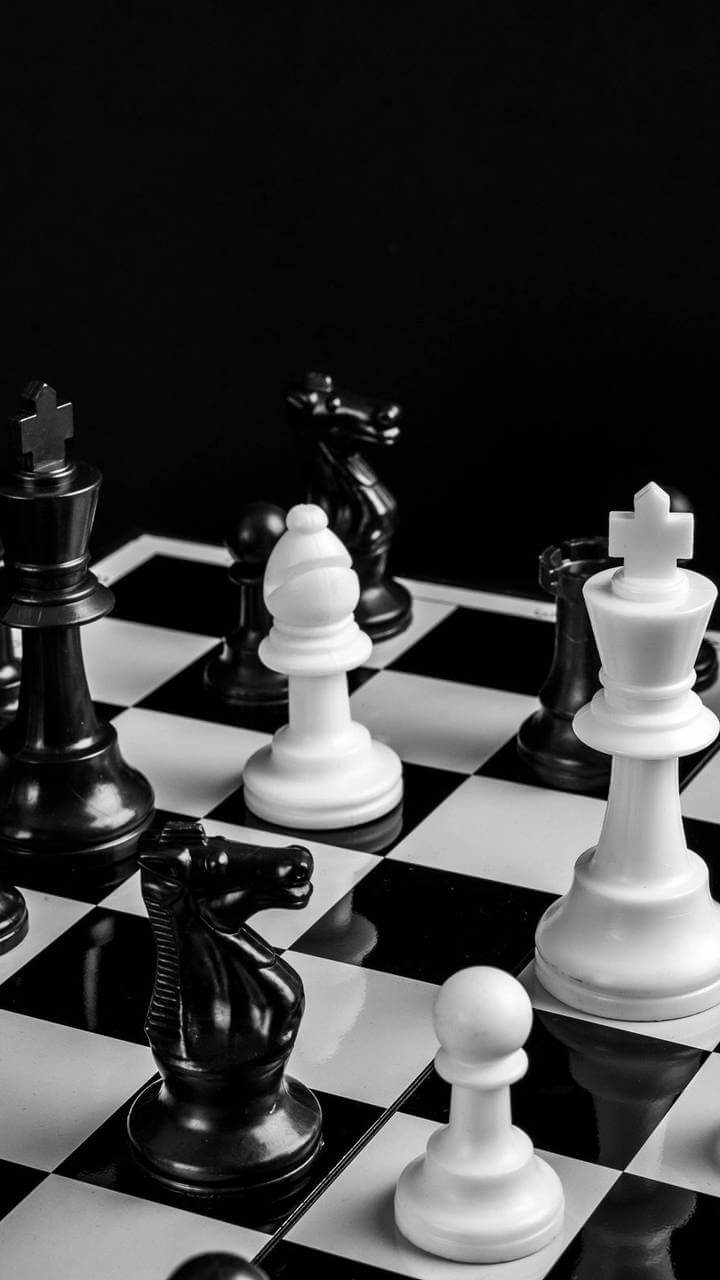
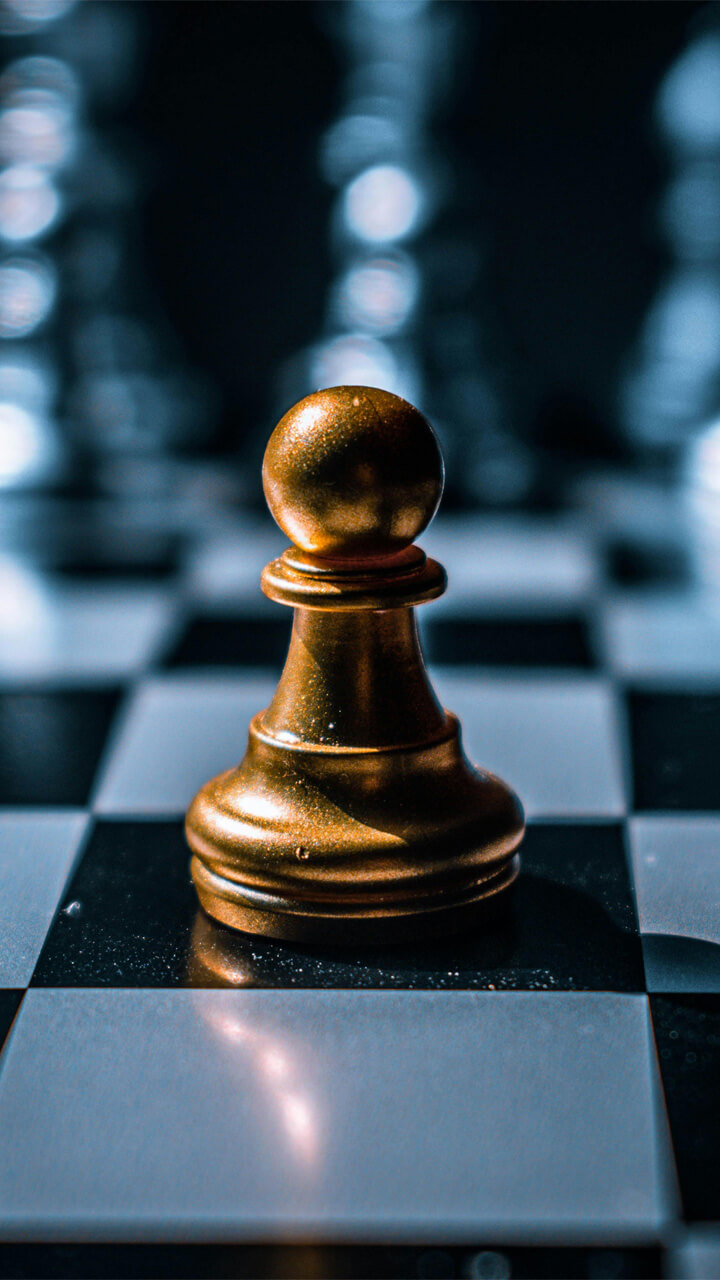
That history is exactly why chess photographs so well. The strong light-and-dark contrast, the repeating geometry of the squares, and the sculptural silhouettes of the king, queen and knight give an image natural structure and a sense of focus. This collection leans into that: clean board layouts, dramatic side lighting on individual pieces, and a few minimalist single-piece compositions.

What's in This Collection

The wallpapers fall into three styles, so you can match the look to your home screen rather than settling for one fixed design:

Get it on Google Play
← Back to all apps

Wallpaper Preview

× Wallpaper Preview

Frequently Asked Questions

Is the Chess Wallpaper app free?

Yes. The app is free to install from Google Play and every wallpaper in it is free to use, with no paywall to unlock the full collection.

Will the boards look cramped on a tall screen?

No — the images are composed in portrait orientation and prepared for high-density displays, so a board fills the screen cleanly without awkward cropping or stretching.

Which style works best behind app icons?

The single-piece and macro designs, since they keep the top of the screen darker and less busy. Save the full-board shots for the lock screen, where there are fewer icons to compete with the detail.

Explore More Wallpaper Apps

Cinema
Cinema Wallpaper
HD cinema & movie wallpapers for film lovers.
Ghost
Ghost Wallpaper
Dark, powerful wallpapers for rock and metal fans.
Animal
Animal Wallpaper
Beautiful animal wallpapers for every mood and style.
Girl Art
Girl Art Wallpaper
Beautiful and dreamy girl art wallpapers to brighten your phone.

Styling a Chess Wallpaper on Your Phone

A chess image rewards a little planning on the home screen. Because the board's pattern is regular, a tidy icon grid sits well on top of it — but that same regularity can fight with widgets, so keep large clock or calendar widgets over the darker squares or the empty part of the board. If you use a single-piece design, position the piece slightly off-centre so it isn't hidden behind your dock or central icons.

Black-and-white and deep wood-tone chess wallpapers pair naturally with a dark system theme and look excellent on AMOLED panels, where the true blacks let the lit pieces appear to float. For a calmer look, choose one of the macro shots and let the texture act as a subtle background rather than a busy picture. Whichever you pick, set it on both screens first and live with it for a day — the best wallpaper is the one that still feels right after the novelty wears off.